Diamond General || Config Tool/CMS Smart PSS is small on a Windows Computer

Diamond General || Config Tool/CMS Smart PSS is small on a Windows Computer

When installing CMS Software and/or Smart PSS on a computer that has a high resolution, (Usually 4K and above) , Smart PSS and Config tools will be very small when executed. 
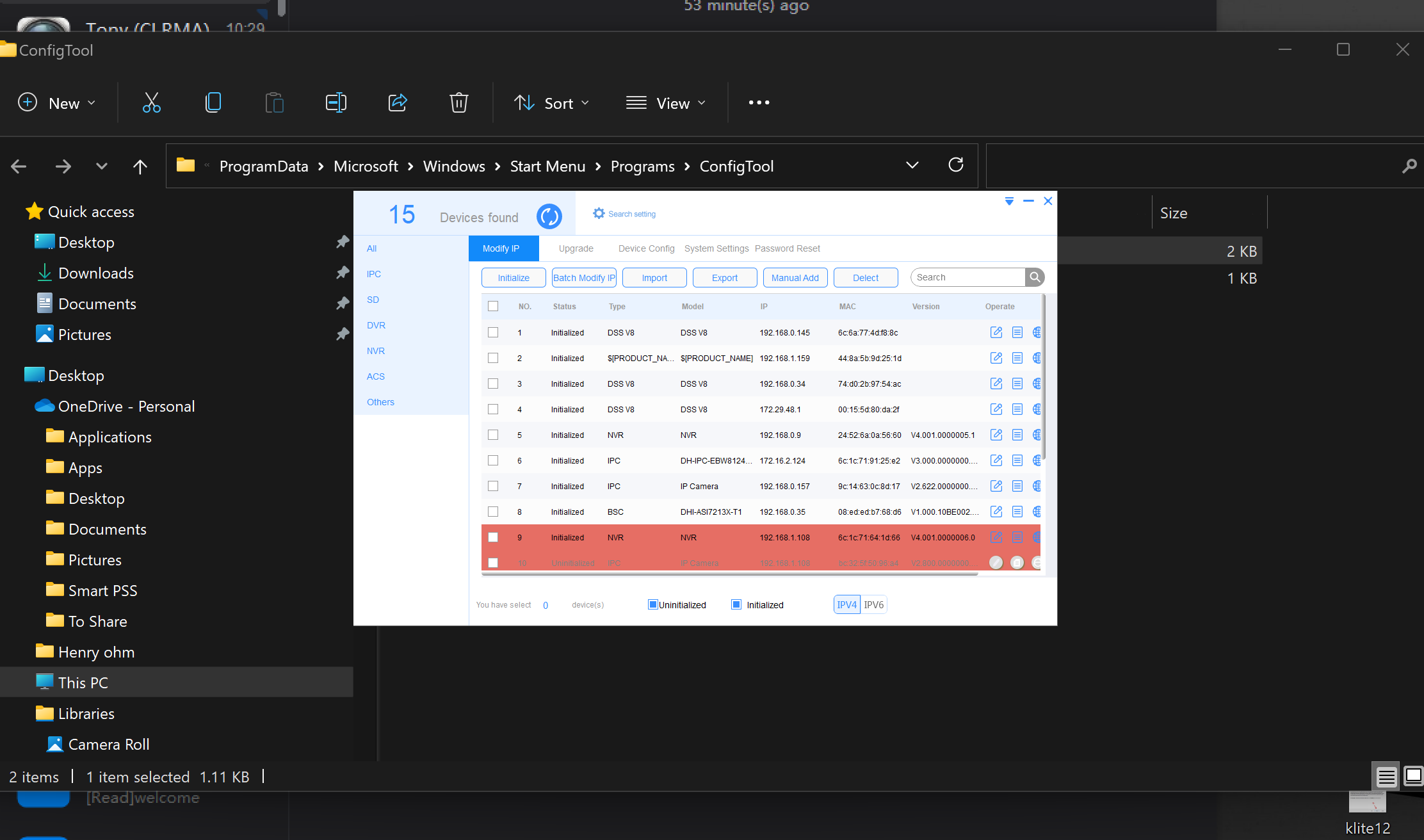
 

Configtool-ScaleDP1.png


To fix this, please follow this outline. 


1. Right-Click on Program and select PROPERTIES

Configtool-ScaleDPI.png


2. Select COMPATIBILITY

Configtool-ScaleDPI2.png


3. Select CHANGE HIGH DPI SETTINGS button 

Configtool-ScaleDPI3.png


4. Check-Mark USE THIS SETTING TO FIX SCALING PROBLEMS FOR THIS PROGRAM INSTEAD OF THE ONE IN SETTINGS.

5. Also Check-Mark HIGH DPI SCALING OVERRIDE

6. Select the drop-down list and select "SYSTEM" 

7. Click Ok. 

Configtool-ScaleDPI4567.png


8. Run program normally. Program will now be normal scale. 

Configtool-ScaleDP8.png


    • Related Articles

    • Diamond General || Downloading Config Tool

      1. Go to https://enssecurity.com/tools/ 2. Click on "Diamond" 3. Select the operating system you're working with. (MAC or Windows) 4a. Download for "Windows" 4b. Download for "MAC" 5. Select language 6. Check off agreement and click "Install" 7. ...
    • Diamond CMS + Software || Installing Smart PSS on Windows

      1. To install Smart PSS onto your laptop or PC, click the file below with your operating system. 2a. Windows - Double click on the file and download. 2b. MAC- Double click on the file and download 3. Follow the install wizard 4. The SmartPSS shortcut ...
    • Diamond CMS + Software || Smart PSS Lite Windows Install and Manual Location

      Smart PSS Lite Windows Install and Manual Location 1) First Open the Smart PSS Lite installation file after downloading it from our website. When the Windows pop-up appears, click on “more info” and then “Run Anyway” 2) Check the box and then click ...
    • Diamond CMS + Software || Smart PSS Lite - Playback and Backup

      Smart PSS Lite - Playback and Backup Open Smart PSS Lite > Select Playback Once in Playback select the Recorder > Select Camera or Cameras > Select Time and Date > Click Search Find the time looking for and Click the Scissors icon on Bottom Left of ...
    • Diamond CMS + Software || Smart PSS Lite Display Resolution Fix (Windows PC)

      Fixing SmartPSS Lite Display Resolution Issue(Windows PC) After installing SmartPSS Lite onto your windows computer, you may experience this message prompt when opening up the software: Continuing to open the application will obscure the edges of ...