Diamond Mobile APP || Share Device with another User
1. Launch DMSS App and login with Dahua Cloud Account.
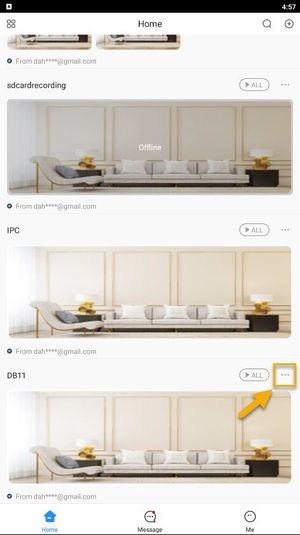
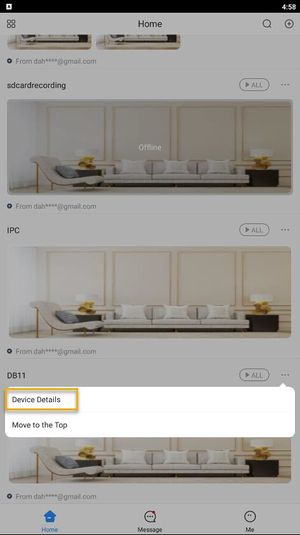
2. Tap on Home and then select one of your added device that you wish to share. Tap on ... icon > Device Details.
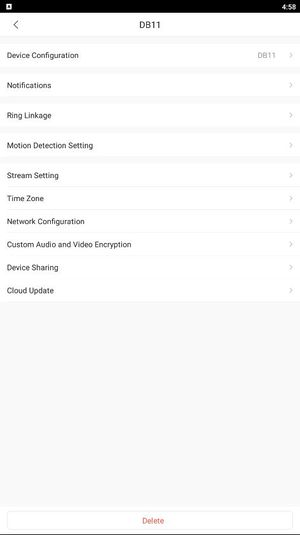
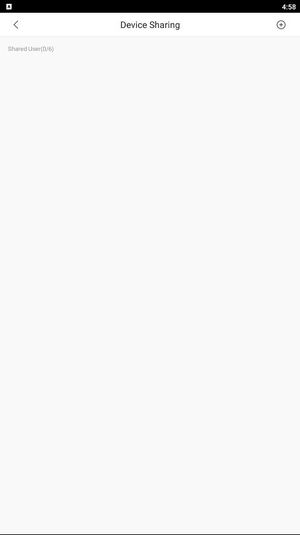
3. Tap on Device Sharing
4. tap on the + icon to enter the username of the account you wish to share.
5. Type in the target DMSS account. Then tap OK.
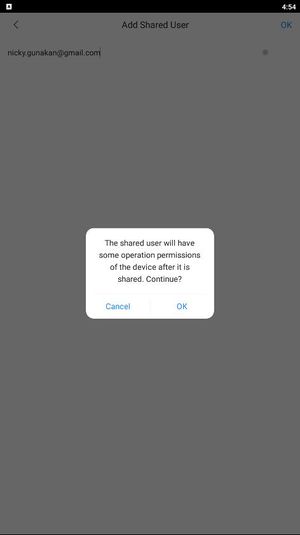
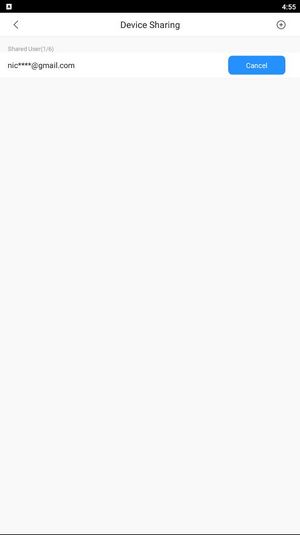
6. Once it sucessfully shared, you will see the account username on the list of shared user.