Diamond Mobile APP || Unbind device from DMSS Account (Legacy)
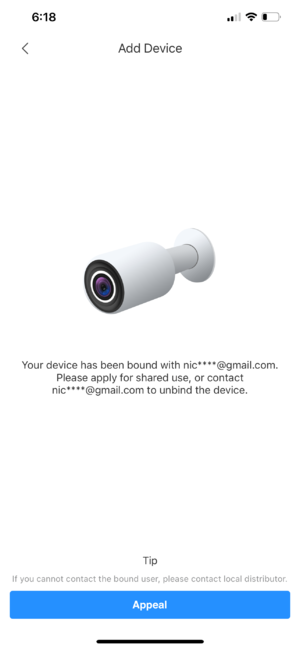
1. In the event that customer adding a Diamond device that already bound to an account, user will get this following error.
2. Click on Appeal.
3. Customer will be asked to upload a picture of their device with serial number label, and Proof of Purchase (if Available). Click on the + icon and you can use your phone camera to take picture, or select the picture from your album.
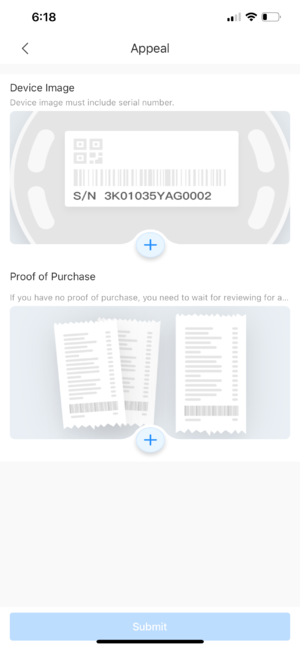
4. After Pictures are uploaded, click on Submit.
The unbind process usually take 1-2 business days.