UNV Mobile App || Push Notification Setup
Push Notification Setup
First of all, you need to make sure you download correct phone app for UNV
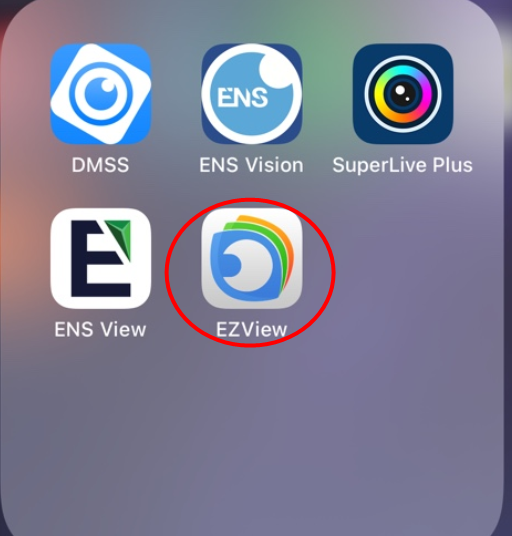
After you login, register a cloud account for yourself. You can share your devices or remotely view your devices on your computer by login to this cloud account.

Add your device to the phone app. You can add the device by scanning QR code in your device EZcloud page, or add by IP address.


After you add your device, go to Alarm Notifications and turn on the device you want to receive push notification
.


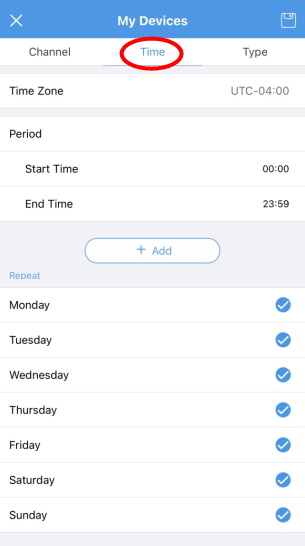
In advance settings, you can manage to receive notification from which channel, time period, and type of notification you want to receive.